Spotify Kids vs YouTube Kids: Which Is Safer for Your Family?
Direct head-to-head comparison of the two big-tech kids apps. Audio vs video, pricing, content review, parental controls.


01Comparison · 8 min read
Parents choosing between Spotify Kids and YouTube Kids are usually picking between two genuinely different products that happen to share a “for kids” label. One is a music-focused kids app inside a global streaming subscription. The other is a video-focused discovery app with its own free tier. Both have their upsides and downsides parents have to consider.
This post lays out the honest comparison — format, age brackets, parental controls, content moderation, and screen-time impact — and then names the third option a lot of families end up with after they’ve tried both.
02The short version
Two products, two philosophies
Side by side, the trade-off looks like this.
Spotify Kids
Audio-first, Premium-only.
A standalone audio app for ages 0–12 inside a Spotify Premium Family plan. Singalongs, soundtracks, audiobooks, stories, kid-handpicked playlists. Two age brackets (0–6 or 5–12).
- FormatAudio
- Age range0–12
- PlanPremium Family
- Cost to access$21.99 / mo
YouTube Kids
Video-first, free tier.
A standalone video discovery app for ages preschool to 12. Three brackets (Preschool, Younger, Older) plus an “Approve content yourself” mode. Up to 8 child profiles with time limits and passcodes.
- FormatVideo
- Age range4–12
- PlanFree or Premium
- Cost to access$0 with ads
The honest framing isn’t “which one is safer.” It’s “which job are you trying to do.” The two products solve different problems for kids of overlapping ages.
03Format
Audio vs. video
Spotify Kids is structurally a music and audio app. The catalog is sing-alongs, soundtracks, kids’ albums, audiobooks, and stories handpicked by Spotify’s editorial team.
YouTube Kids is structurally a video discovery app. Most of what gets played is short- to medium-length video content: sing-alongs, kids’ shows, music videos, content from educational creators, and animated content. The video format brings autoplay, recommendations, and a “next thing” pipeline by design.
This is the most underrated difference. Audio and video aren’t interchangeable formats for a kid. A six-year-old listening to audio is doing something fundamentally different from a six-year-old in front of a YouTube Kids autoplay queue.
04Parental controls
Parental controls side by side
Spotify Kids gives parents a “Grown-ups” section to pick the age bracket (0–6 or 5–12), see listening history, block specific songs, and delete the account. The bracket is the main lever. There’s a notable caveat: if a parent shares a personal playlist down to a Kids account, the kid hears every song in it, including any explicit ones.
YouTube Kids offers more granular controls: age brackets, an “Approve content yourself” mode for tighter manual curation, and up to 8 individual child profiles with their own avatars and settings, time limits, and individual passcodes. The trade is that the catalog itself relies on a mix of manual review and automated systems, meaning videos with clean language but mature themes can slip through.
Both tools have legitimate parental controls. They both have legitimate ceilings, too.
05Content moderation
How each one decides what’s safe
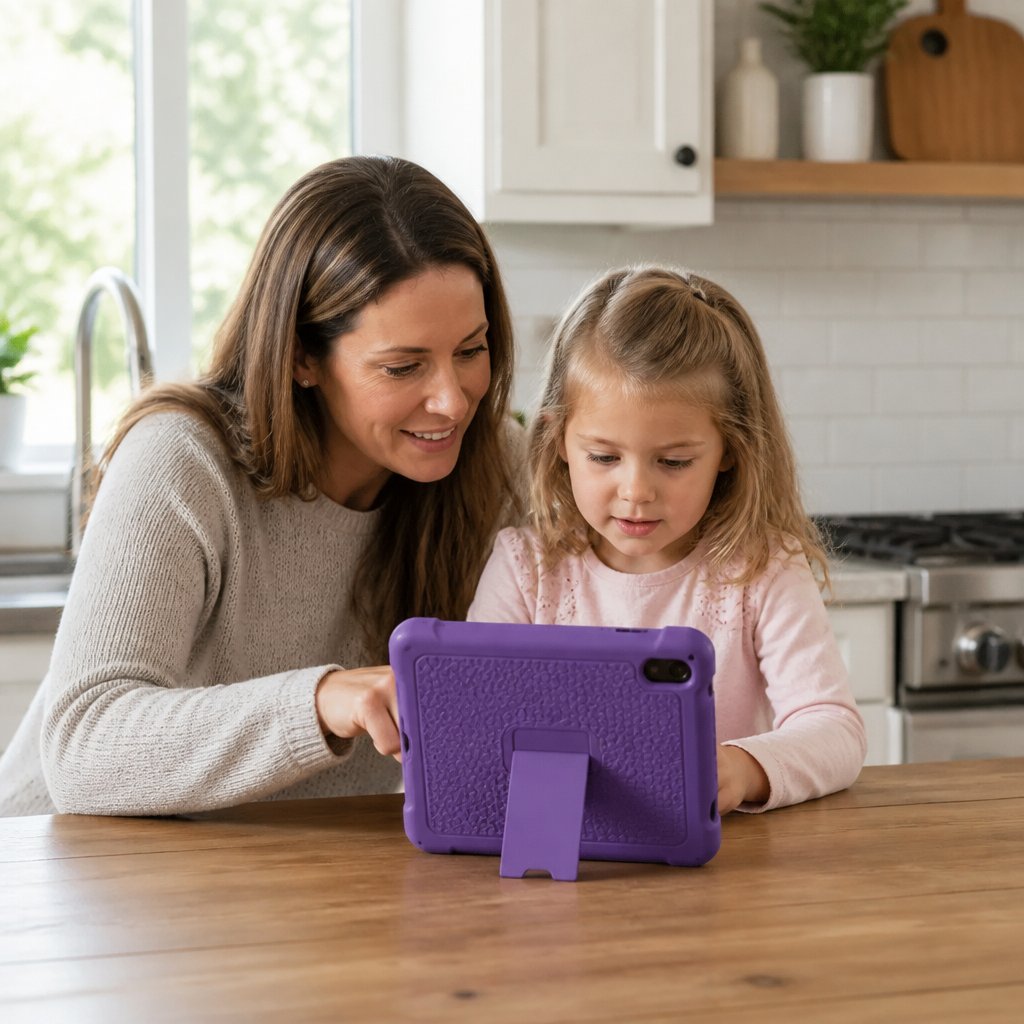
Spotify Kids is editorially curated. Spotify’s team handpicks the content that shows up in the app. Within Spotify Kids, the catalog is curated — the kid isn’t browsing 100 million tracks that’s available on the main Spotify app. They’re inside a specific kids’ selection.
YouTube Kids takes a different approach. Some content is manually reviewed; some is filtered through automated systems. Because the upstream catalog is YouTube (user-uploaded video), the surface area is enormous, and the moderation has to scale to it.
So the structural difference is the catalog. Spotify Kids draws from a curated pool. YouTube Kids draws from YouTube, which has a wider content surface.
06Cost & access
What you’ll actually pay
Spotify Kids requires a Spotify Premium Family subscription that costs $21.99/mo, up to 6 members, all sharing the same address. Spotify Kids takes one of the six Family slots. So you’re not really paying “for Spotify Kids”; you’re paying for Premium Family and getting the Kids app as part of the bundle.
YouTube Kids is free with ads, or ad-free with a YouTube Premium subscription ($15.99/mo individual, $26.99/mo family of 6 sharing an address). The free tier is the most distinctive thing about it — you can use YouTube Kids without paying anything.
If budget is the deciding factor, YouTube Kids wins on cost of entry. If you’re already paying for Spotify Premium Family for adult use, Spotify Kids is “free” in the sense that you’ve already bought the bundle.
07Screen-time impact
Screen-time impact
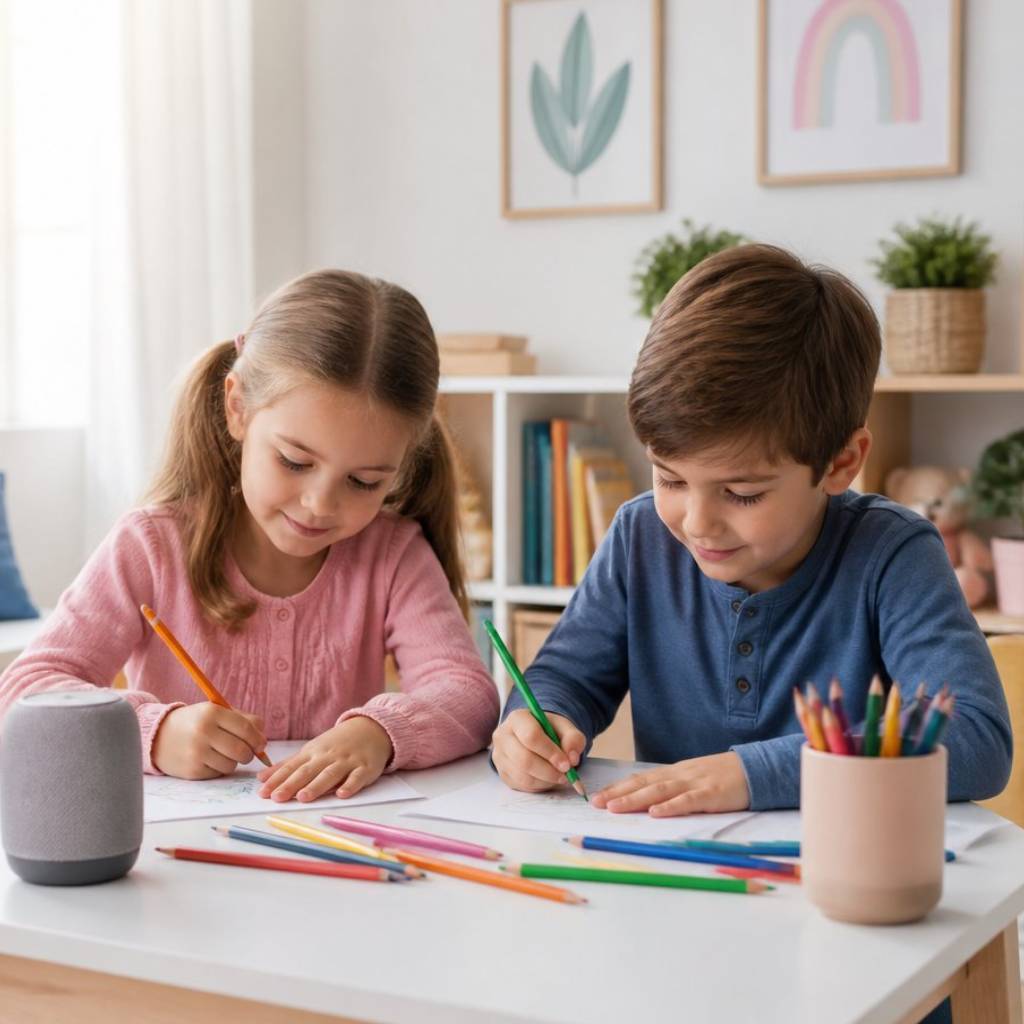
This is where format starts to matter again. Audio listening is something a kid can do while playing, drawing, or riding in the car. It doesn’t require visual attention. Video does — it’s a screen the kid is watching, with an autoplay queue designed to keep them watching.
That’s not a moral judgment. It’s a structural fact about the two products. Spotify Kids is more likely to result in less screen time than YouTube Kids, because audio and video are different categories. Whether that matters depends on how your family uses the device.
08The third option
But there’s a third option that neither of these solves for
Both Spotify Kids and YouTube Kids are kids-only products. They solve “what does the kid use,” but they don’t solve the bigger problem most families have, which is: “What’s the music app the whole house uses?”
Spotify Kids is a separate app that takes one of six Family slots. The main Spotify catalog stays adult-default; the kid’s experience is carved out of it. YouTube Kids is a separate app that the kid uses; it doesn’t affect what the parents listen to.
That works fine if your goal is “set up a kids’ app.” It doesn’t work as well if what you actually want is one music catalog the whole household can share — kids, teens, parents, grandparents — without anyone having to maintain a separate kids tier or worry about what’s playing on the family TV speaker.
That’s what Psalmix offers. A deliberate, hand-curated music streaming service for whole families — not just kids. Every song reviewed by a real person before it goes live: lyrics, cover images, and message intent. There’s no separate kids’ app because the whole catalog has already been screened.
Psalmix is music-only, like Spotify Kids, and not video, like YouTube Kids. But unlike Spotify Kids, it’s not a dedicated kids’ app. It includes pop, rock, country, worship, hip-hop, lo-fi, and more, all pre-cleared by humans. It’s $7.99/mo, or $59.99 a year.
It’s a household music service that happens to be safe for kids because every song already passed the Psalmix team’s review and earned its place on the catalog.
09Honest recommendations

Who should pick what
Pick Spotify Kids if you’re already on Spotify Premium Family, your kids are 0–12, and you want a dedicated kids’ user interface for them with the bundle you’re already paying for. The audio-only format is a real benefit if you’re trying to keep screen time down.
Pick YouTube Kids if your kid is 4–12 and prefers video to audio, and you want a free option (or one bundled with YouTube Premium). The per-profile controls and time-limit tooling are useful, and the “Approve content yourself” mode is the strictest setting available across either app.
Pick Psalmix if what you actually want is one music catalog the whole household can share — not a kid app carved out of an adult product, not a video app with an autoplay queue. Music for kids, teens, and parents, are all already screened; no need to set up a separate kids’ tier.
Which describes what you actually want?